Psst, Come Check Out My Lair!! #notacreeper
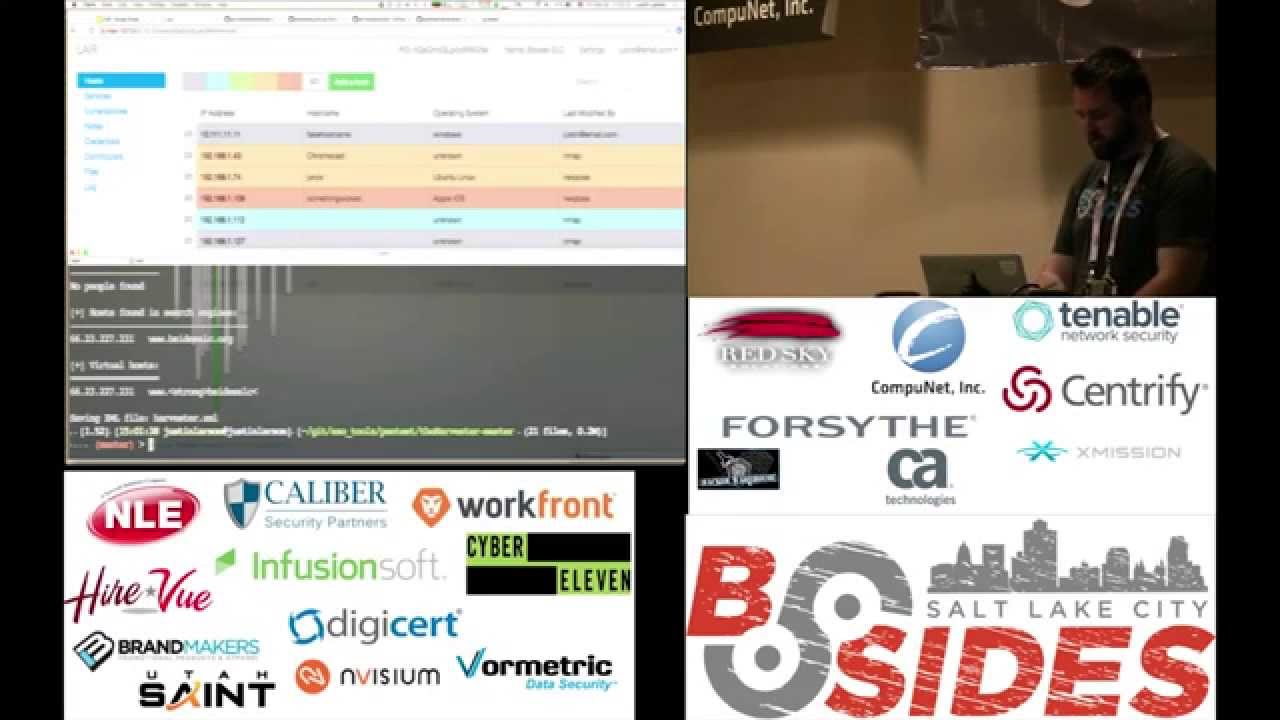
Show transcript [en]
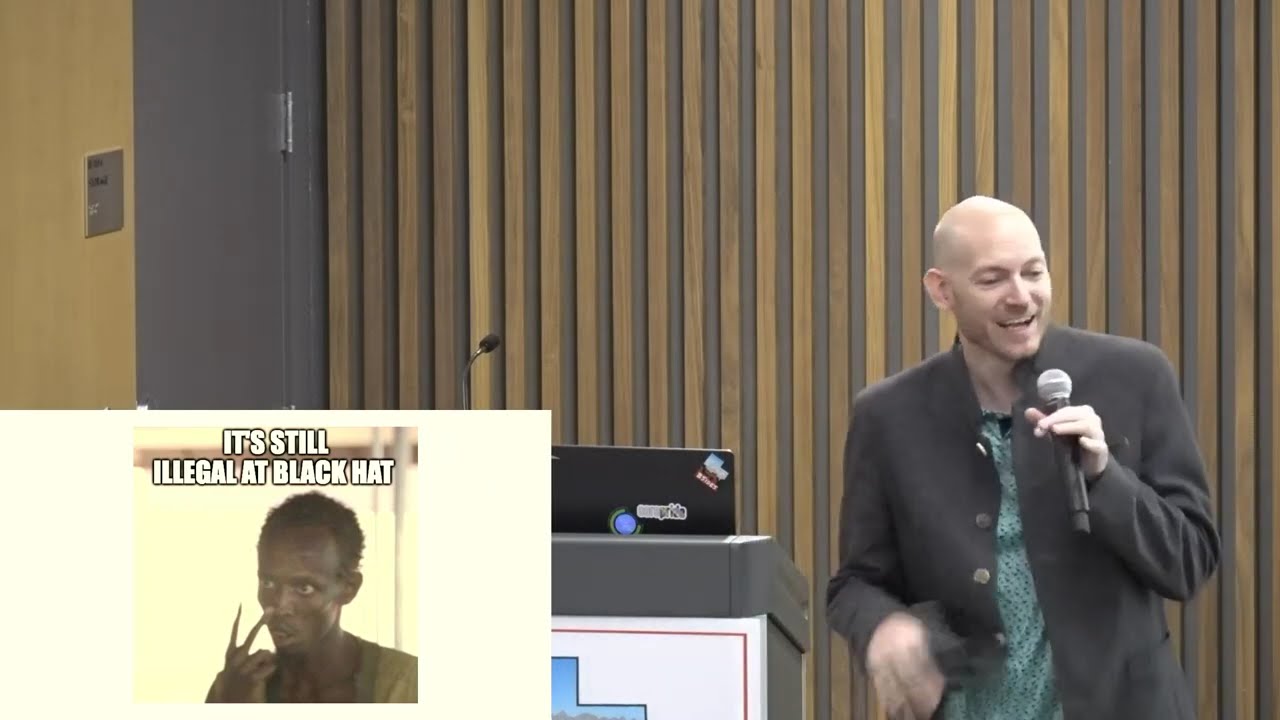
awesome thank you okay keep it up for me right all right um so this is the title uh justin larson you can follow me ironic nickname uh that's because my nickname is slim i'm not quite slim anymore um do web app security for work front formerly at task if you don't know who work front is and i'm not good at slides so i just threw in some memes so at least have some some fun so i'm going to be talking about layer which is a pen testing collaboration framework tool um it was developed by dan cottman and tom steele they both work for fishnet security and it's a great way to collaborate with your team
as you do pen tests so so there's a few problems um does anybody do pen testing here on their own maybe on their own stuff or maybe they're not a pen tester because i'm not a pen tester by trade but we do pen testing um and so there's always lots of output from hundreds of tools that you can use to scan or do anything and you times that by the number of testers in the engagement and then so we have duplicated work data gets lost and it's very unorganized just some classic problems with pen testing that we as a team run into as well so actually chris just walked in he's the one that found lair and
show us how to use it he works at workfront it's my boss so um but layer it runs with meteor and node js so i wanted to abandon even writing this presentation once i found out about meteor because it's uh it's a pretty awesome framework so you can do it's js it's javascript on the server and the client so it's pretty awesome you get all the the buzzwords down at the bottom slick clean simple um but it does so it like it'll listen to the db to see if there's any changes and it'll just update the page automatically without having to be refreshed it's really quick and the dinosaur is very important that it saved us so
um from the asteroids but asteroids are in space the meteors dinosaurs are done so these are these are the commands that you can do when installing meteor or not meter um uh layer so we'll go through those in a sec though um and if you don't follow infosec taylor swift on twitter you should it is a good laugh just so you know and we'll go to the demo that's the end of my slides so if you like demos then buckle up
is that big enough can everyone see that talkative group okay so it's pretty simple to start you enable the start script you give it the ip that you want i'm just gonna do local host here and it starts up so i've done this a few times on this machine and the very first time you do it it's going to set up a self-signed cert i'm not going to go through that this time because i've already got it set up but it does that in the first time you set it up so um so we don't have any db users set up so we'll say yes wait no we wanted to say no
oh now we gotta stop
should read what it's asking so we'll just set up a user called the password then it has to set up a layer user and we'll do that as well and we're up and running so uh pretty hard to do that so this is actually where lair layers running
so there we go and so first thing you gotta do is you got to create a user
and a password
and it's pretty pretty bare obviously because we haven't created anything so we'll just create a simple b-sides slc project and now we're actually in in layer and so you can go in we have hosts services vulnerabilities
is that all right size can you see that okay yeah so you have a lot of different things you can put into two layer um from what i've noticed it's more of a network penetration testing rather than application i think maybe in the second version they'll probably do some more applications specific because you can import stuff from from burp as well and so but to me it's more of a network security pen test so we vulnerability services notes credentials and contributors so we'll we'll create a contributor actually we don't create them here settings so
i had one complaint it's because they don't let you specify your password twice so if you put in something you don't think you put in open nightmare you'll just have to delete the account but so contributors we can just we add another person and i always show that really because down here in the bottom right can you see that you have messages you have a little chat if you don't want to use like your internal chat or whatever and it works sometimes
so if we logged in as that other user
i got it right sweet
so there's my chat from earlier pretty simple
okay so we can go in and we can add hosts manually which is always real fun add the ip whatever fake host name windows and submit so there we have our our host just one of them but who wants to manually enter everything that's a that's a pain so um dan and tom created what they call drones which are written in python because they didn't want to write them in javascript in case people didn't really know how to write javascript python's pretty simple but with a drone what it does is it will parse through your data from your tools that you have and import it directly into layer for you so they've written drones for
see nessus and expose nmap and then they have like a raw one if you want to pass some json to it and there's also i thought there was a burp receipt or anything i'll see it there but and you can install those the path just using pip which is what i do makes it easier but or you can just run it as a script as well but let's get into that that's the fun part so this is our logo database how we get to it so we have to export environment variable
i spelled it right hopefully
so i did a really basic nmap scan
and to use the drones you just drone bash nmap if you have them installed to path and then when you need layer is the project id so it knows which project it's going to and it gives you that right at the top there pretty convenient and just paste that and then you need a path to the file
and so it connects and then tells you it's successful the project and then so it processed seven hosts and if we go back there they are pretty quick so you can go and you change the colors whatever you want the colors don't mean anything unless you specify within your organization what you want them to um but we can get that we'll get to that later on how you can automate that so right now we did a very basic nmap scan so we don't have any ports or anything like that it was just a find the host and you can go into this log and it'll show you all the commands that you ran so this was what our nmap scan was
and then this is what the drone imported and it'll tell you every event that occurs so now if we go to hur services we don't have anything in there yet it's actually
that cutting off that's actually okay so if we run another import another nmap scan that i did we can watch the the data as it goes in so the bottom there it is and then at the top it fills up so and there's no need to refresh or anything like that it's just quick and snappy and then you can search on port or whatever you want to and then it'll show you all those and then what's pretty cool is over here this is just a text area that shows up just the host ip so if you need to import this into another tool you can is which is what i did so i used uh
a brute forcing tool called medusa i think it's pretty similar to hydra just a little fork i found it first before i found hydra so i i used it so but i think it will also work but the drone that i wrote will work for hydra as well so we call medusa make sure that we have this in our clipboard
and we want to actually go to credential so this is where medusa will send its input see and so we have the four ips that we put in the medusa somehow we were able to brute force all of them not really that's fake data but um that's how you how we we could import it um so i wanted to explain a little bit about how that works
so this is actually the drone to get the script that gets called and it imports this medusa module which is another python script that's actually doing the parsing but it's going through and it it's so it the project it requires argument one is that project id and then the argument two is the file and it sends it to medusa.parse which is this which i need to work on still but it basically just looks for success in a line and then it parses that line with the data that it wants and it returns a dictionary uh python dictionary and then all those so in the back end it's all json isn't what the mongodb is so
converting those to json or dictionaries that json is really easy and so that's where it imports into the layer database i wanted to show something else but i forgot this one this was the medusa file so four lines that were just parsed and then put in so oh the drone model module so these are all the uh it's the data module model that you have to import the data all the data you have access to through the drones so this is what logs your tool what you use the command os i mean credentials pretty self-explanatory um but they're just dictionaries with lists for python so pretty simple if you have ever done python before i'm not an expert i've
only been running stuff in python for about a year and it was pretty easy so the main make it so easy so that you can if you have custom tools that you guys are using internally you can easily write something to import your data into layer that's that's the whole point um but see we let's go to the next part so we have the layered drones also come with uh nessus and nexpose so we'll look at some of those vulnerabilities that it found so right now we don't have any obviously so
so it imports all those and it tells you who it was last modified by which is nice so that you can tell if it was a user or a tool and who's working on what it'll tell you over here on the right side um then also let's just do the next one
so imports all the stuff from expose um does anybody think this would be useful i don't know we find it very useful it helps when we're all working together to to uh stay on task and not duplicate the work that everyone else is doing if we go look at the logs it still shows us all the commands for each tool that we used um even though an exposed scan is pretty generic and that's this shows us the medusa command that we ran and the other nmap scan and then everything else so it's very auditable if you want to see who's done what and where
so there's another tool that i wrote another drone for called the harvester has anyone heard of the harvester before great pretty cool little recon tool to look at a domain and see who works there how they have their email addresses and whatnot but it just does searches on on google and linkedin and a few other things so you just look at it so so google people png pgp google profiles i think that's google plus now bing jigsaw jigsaw linkedin and all so let me just run a quick one i just did it on b sides slc power i hope sean doesn't care good thing about it is it never never touches anything that you're looking up so just using google and
other sources to find that data so this might be kind of slow so i what i did is i you give it the domain and then the amount of results you want from each service so 10 and then what service you want i just did all and then it exports it to xml
and that would give us emails found didn't find any people um host information pretty cool pretty simple um so i wrote a drone just to process that information and put it into layer
so there really isn't anything for like recon like that for like a phishing attack or anything like that so i i could put these into like notes but i chose to put them into credentials even though they're not credentials they're just could be user names or whatever um so we'll run it and it should populate with a few more usernames there we go so it's got sean jackson at b-sides admin some really weird email address and just the b-side dot org um so now that we've got all of our data in there it's time to go through it and see what's relevant to us and so you can actually with layer you can run client-side scripts
just from the console log and and see and manipulate the data so we'll do that real quick hope you guys don't mind getting out early so but so these are really easy to write so these are just a couple so i call this function orange it'll go in and change everything orange that has any type of credential like any type of either username or password doesn't matter blue let's see blue if the if the os hasn't been determined yet on the host red will change it to oh no that's the wrong one red if the vulnerability is above and if if a host has a vulnerability above an eight then it'll turn everything red and then green will change
you'll be able to select all the vulnerabilities by a certain name giving you some regex so you just just copy these and just paste them right in and they worked awesome so we'll just run orange
i can't do it wrong okay so you saw it blink and then it didn't change so we have to first go in and change the settings to allow client-side updates because it's you can run your own scripts on the client that's bad for any kind of other web application uh but since you're doing your testing it's okay so we'll go back into it press the up arrow run again so there we go now we have all the hosts that have a credential either a username or a password and so we could just focus on those ones for now or we can run script blue so now we know all the ones that we probably aren't going to worry about or
probably just need more recon to find out what the os is for each of those and then do red so red will change the hosts and also in the vulnerabilities tab it'll change the ones that are above eight to uh to red so
so those two something wicked and eb e both have vulnerabilities that are above and eight which could be exploitable within the pen test and then it marks them both red and its flash player for mac hasn't been updated that's that never works for anybody right and then the last one we can do is green and we just give it some regex let's see it
generally
and i typed it wrong
there we go so now everything as vulnerable has a vulnerability for apache is highlighted pretty simple you can do that with any any other thing that you want if you want to highlight ssh or or whatnot so um
okay so that's pretty much what layer can do so now if you go to the front page all your colors that you've changed them to show up in these little little donuts i don't know why surfaces surfaces don't have colors so they're always gray but another cool thing if you're a pentester and you're working for some client you can export all the data that you found you can either export it to some server or you can just download it and then send it to them somehow but it's just a json file of of everything that you found and they could just if they wanted to throw up a layer and then import it and look at it
it's pretty cool um so it's open source it's on github let's see which one so yep here layer dash framework slash layer um so they tom still tweeted a while back that they're working on version two so hopefully it can come with some more advanced stuff but i think it's pretty simple and pretty effective in what it is right now and i don't know if i have so this harvester is all the tools that i use for open source and you can go find and add to them layered drones are there as well if you there's a whole bunch of browser scripts that you can run that are already written as well that can do certain things um
like the ones that i ran to change the colors you can specify to count every object or whatever you want it to do so sky's the limit really so that's pretty much it i don't know anybody having questions or concerns
yeah i thought i thought there was maybe i it didn't look like there was
i don't see a burp there
like in so like if you get a vulnerability in the vulnerabilities to have to find those or
um so i haven't i've spent most of my time in the layer drones part i haven't done much of the development in the layer part but i actually wanted to because i've if you look at meteor meteor is awesome and i really want to get in and learn and dig deep into meteor so but i imagine it's as simple as just adding something in the tab and then creating a collection in the database for for something like that i'm pretty sure it'd be if you have a developer on staff that could you just fork it and add it yourself or or whatever but yeah it does spin sometimes
yeah so most of the pen tests we've used on this has been network pen testing as well uh not no so um but i'll go look into doing that so we have another pen test coming up so yeah johnson's got questions if not that's it then
Related talks
 56:25
56:25 41:28
41:28 1:00:45
 53:47
53:47 55:42
55:42 52:16
52:16