Turning Your Weapons Against You. - Andrew Blane
Show transcript [en]
hello everyone thanks for coming to my talk the title of my talk today is turning your weapons against you my talk focus is about focuses around using enterprise security tools against enterprise itself hence the name turn your weapons against you first the obligatory slide about me my name is Andrew Blaine our twitter handle is MTB moose get old knit there if you want any information about the talk I work for investing in South Africa in group security of a pen test and red teamer also just a dude that watched hackers back in the day thought that's really cool and I want to do that one day turned out to be quite different in real life special thanks to Kalyan Sachs
Jeffrey Blaine and TN insulin for getting me here it was quite a quite a tour to get here and they supported me wouldn't be lost I want to thank that and thanks for besides for city mats walk so the first slide is about post exploitation exploiting the vulnerability management process some of the work that I do as a pen test and red teaming revolves researching post exploitation techniques a common place for a pen tester to find himself or herself is with a foothold in a environment and the need to move laterally within the network or environment an area I recently focused on was exploiting tools used within an ability management process particularly vulnerability scanners in enterprise
networks with many thousands of endpoints as impractical to populate vulnerability scanners with lists of hosts to be scanned manually it's common practice to automate asset population by leveraging logs generated by network services such as DHCP this can lead to write machines being included in the list of house to be scanned given given the scenario an attacker may be able to perform real acreage really anchor to credential harvesting attacks
grabbing SSH SSH credits of the hardware doing some research and googling I came I came across a great post by Julia Evans around the use of each trace and one it's the system calls made by the SSH process check out the link in the slide is really worth having a look if you're interested in this kind of thing the scenario here is that we have a presence on the network and we are running an SSH server that we're going to use to grab credentials in the screenshot you can see it in the terminal 3 terminals showing its trace monitoring the SSH process and child process this is quite important and they think that that if follows the child
process of SSH and a tail of the output of this trace and an authentication attempt at the bottom left-hand side I'm going to see if I can straight out put this trace of the file our prices I mean the output of this script output of this tail of the output and an authentication attempt you can see in clear-text the username and password for that ssh authentication attempts from the classroom education tips I found gripping through this output to be very tedious and inconsistent so what now grabbing issues edge creates the easy way I wanted something did that I can see it up and leave running for a period of time to grab these credentials in
hindsight the choice of a honeypot is very obvious I never thought of a honeypot as an offensive security tool I do you now the carry honeypot is a very easy to setup a honeypot and is exactly what I needed it to do capture is HQ dangerous everything is output teeny to a log file and is easy to find all log in the teams in the screenshot you can see the tail of Kerry's output specifically looking for login attempts and the authentication attempt ello that super neat and easy to read you can see that the output is way easier to see it's everything's in one last place the username password is the login attempt so I'm quite a big old guy and I don't
usually do PowerPoint presentations and I recently discovered animation so you're going to get some animation of that process happening so what we have here is host appearing on the network which will eventually be pushed onto that list of hosts to be scanned by the automation of asset population and necess will this is in this case I'm not hidden bragging on necess yet it's any vulnerability scanner that set up to authenticate to hosts your scan slowly as this will scan each of these hosts I'm really proud of this animation by the way and that's great so you'll get through the process and knit as new machines are picked up on the network missus scans them and feed set back into
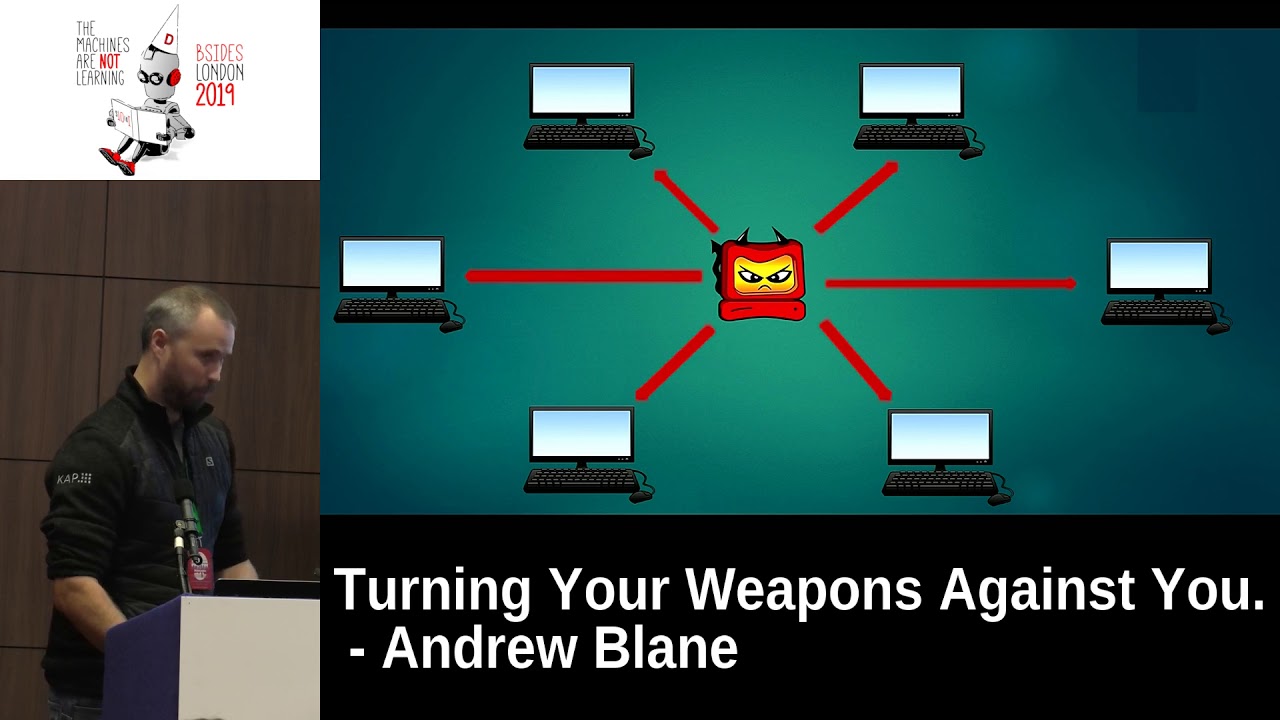
the vulnerability management process but what happens if a rogue it's a safe server here's the network I particularly like this picture Wow so here we have an illustration of missus it is etching into the box to do it's a route scans credentials are compromised your host now has credentials that will be used for scanning across the enterprise so all the machines that nurses are scanned or a vulnerability scanner has scanned well now be comp will be compromised by your own SSH server and you'll have access to all of those machines and you'll be able to obviously move laterally and perform further et me activities from there but that's just Linux what about Windows hosts the concept is
similar to the SSH credential harvesting itself in that we run a rogue service and use that attack use that to attack other hosts on the network here we leveraged the fact that the vulnerability scanner is going to try and run north insecure this scan against us and relay that authentication attempt are the two victims on the network to do this we use multi relay one of the awesome tools in the responder toolkit on the right right at the screenshot you can see this is running an authenticated scan against the against my malicious host and the authentication attempt is relayed to a victim host then we drop into a system shell so now when you're looking at this there's one more host
behind this that is being the authentication the tip is being relayed to you and then we drop into this sort of system shell now because I recently discovered animation you're gonna get one more innovation so the idea here is that when this is or a vulnerability scanner scans of alysha's host it's a B in this case that will be then relayed to other victims on need on there in the environment and you will then have compromised and weave that tree onto other hosts so mitigations for this with the Gators around these kinds of attacks are well known but sell them into implemented adequately especially in Linux environments in the Lewis environments make sure that security
tools the security tools that you are using use key off to scan hosts in the urine in the environment in Windows environments implement a CB signing by active directory group policy even if you have to login to the host and manually enable a Sindhi signing do it it'll probably save your life right I had planned on doing a live demo of this but running for VMs on one machine became quite tricky so I have got a video of this in action let's see if I can make this work you've already see that okay it's a bit blurry I'll explain what's going on okay so on the top left hand side we've got multi relay targeting
another host on the network and responding to all authentication attempts at the bottom we've got the tail of the SSH honeypot running grepping for login attempts we're doing this all in one shot because generally what you'll have in the in Kinesis configuration is you'll have a bunch of authentication policies trying to authenticate against any host it can find basically blindly so as we run this we're gonna push inside each of those that started the multi relay on the left-hand side the top left inside on the bottom left-hand side we're grabbing for passwords and I've already done this once so you can see that there's a password log in the same day that's not for this particular demo but as it runs
you'll see that when SSL indicates to this rogue host you drops a system shell on a victim machine and it grabs ssh credentials for this particular scan and you see it's quite aggressive in the way that it actually tries to authenticate the tries over and over again for the various scan types that it wants to do and it makes quite it's quite easy to grab ssh credentials if you using possible thin stations on the top left-hand side you can see that there really has now relayed an authentication attempt to my victim vm on on my internal network here this is a system shell obviously because this and be running as a system and from there i'm
just going to demonstrate that you can do a human mind dump system you can dump ashes and that kind of thing obviously because you're the root assisting right and that's pretty much my talk thank you very much for listening if anybody has any questions I'm happy to answer them if I can so you say the mitigation is to use SSH keys right so for for Linux aside what about if you are using these combined so you use SSH keys to login into into the machine but then you need to provide maybe like a password for the pseudo access so how does it work can you capture this pseudo password you can't really because this this is an
authentication attempt to a machine that doesn't have the account you trying to authenticate with it's just basically a rogue SSH server with which you don't have any control over the enterprise and the attacker has all the control over right so you'll never get it you'll never get an su irrelevant issue because it just wouldn't work because that they'll actually never login okay great thank you any other questions thank you very much then Thanks
Related talks
 28:37
28:37 47:15
47:15 33:48
33:48 49:41
49:41 34:45
34:45 10:48
10:48